Woohoo! It all began this week and I've been taking my time to make sure I get it all right. I really do want to do my best.
Any way, our first lecture video was full of stuff! Below is what was discussed in it.
- Simplifying workspace, short cuts
- Basic UI elements
- Preferences: Undo = infinite
- Tracking and Zooming in the different views
- NURBS definition
- NURBS Primitives: Sphere, Cylinder, Torus, Cone
- Basic interaction tools: Select (q), Move (w), Rotate (e), Scale (r)
- Panel display options: 1/2/3, wireframe (4), shaded (5), textures (6), lights (7)
- Marking Menu: what the heck?
- Channel Box: Translate, Rotate, Scale
- Outliner: part 1
- Saving versions - .ma vs. .mb: Always save as .ma
- Using the integration “Help” feature in Maya for tutorials, reference, etc.
- Character / Tools section: downloading and opening .zip files
- How to make a .zip file for upload
- Submit your work (Assignment Sessions)
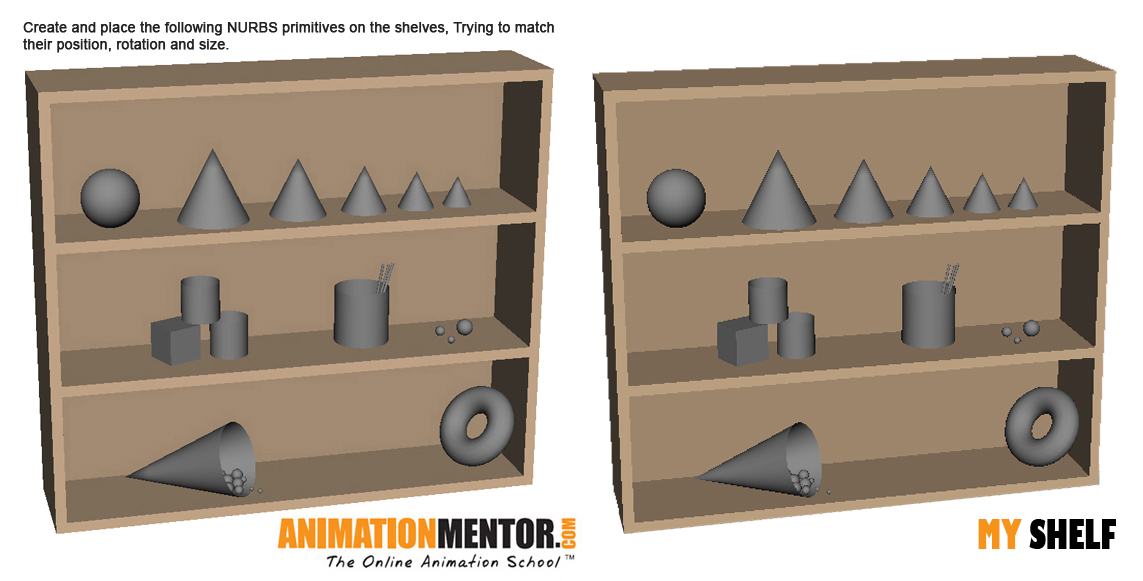
From what we were taught in the lecture we were given an assignment. This was to create a series of NURBS and transforming them to match an image we were given. Then save it as a zip file and upload it. I took my time with this assignment as I wanted it to be perfect or as close as I could get any way. (Some of my perfectionist habit coming through). I took Screen Shots as I made each NURBS object so I can show you how I did it and where I started but firstly here is the image we were given and my final version.
Here are my progress shots with some close ups and even when I used a camera to check that balls weren't going through the cone or other balls.


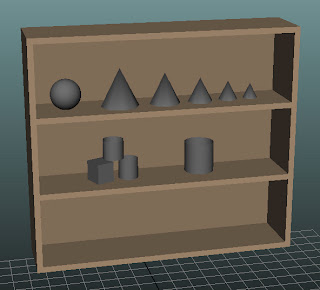
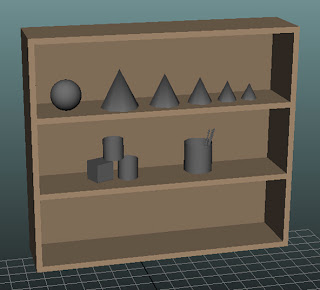


To do this assignment I actually came up with an idea. I downloaded an app called 'Afloat'. It basically allows you to make some software transparent so I made the image we were given transparent and then placed it over maya and then adjusted each object to fit over the image. I also just put the image over the top normally and kept minimising and opening it over maya to check it looked right but it was a huge help in making it as exact as possible. I did of course make sure through other views that they were sat on the shelf and not going through other objects though.


 Please comment and let me know what you think of my baby and my scene. Remember it was my first go at modelling a person in Maya though :p


